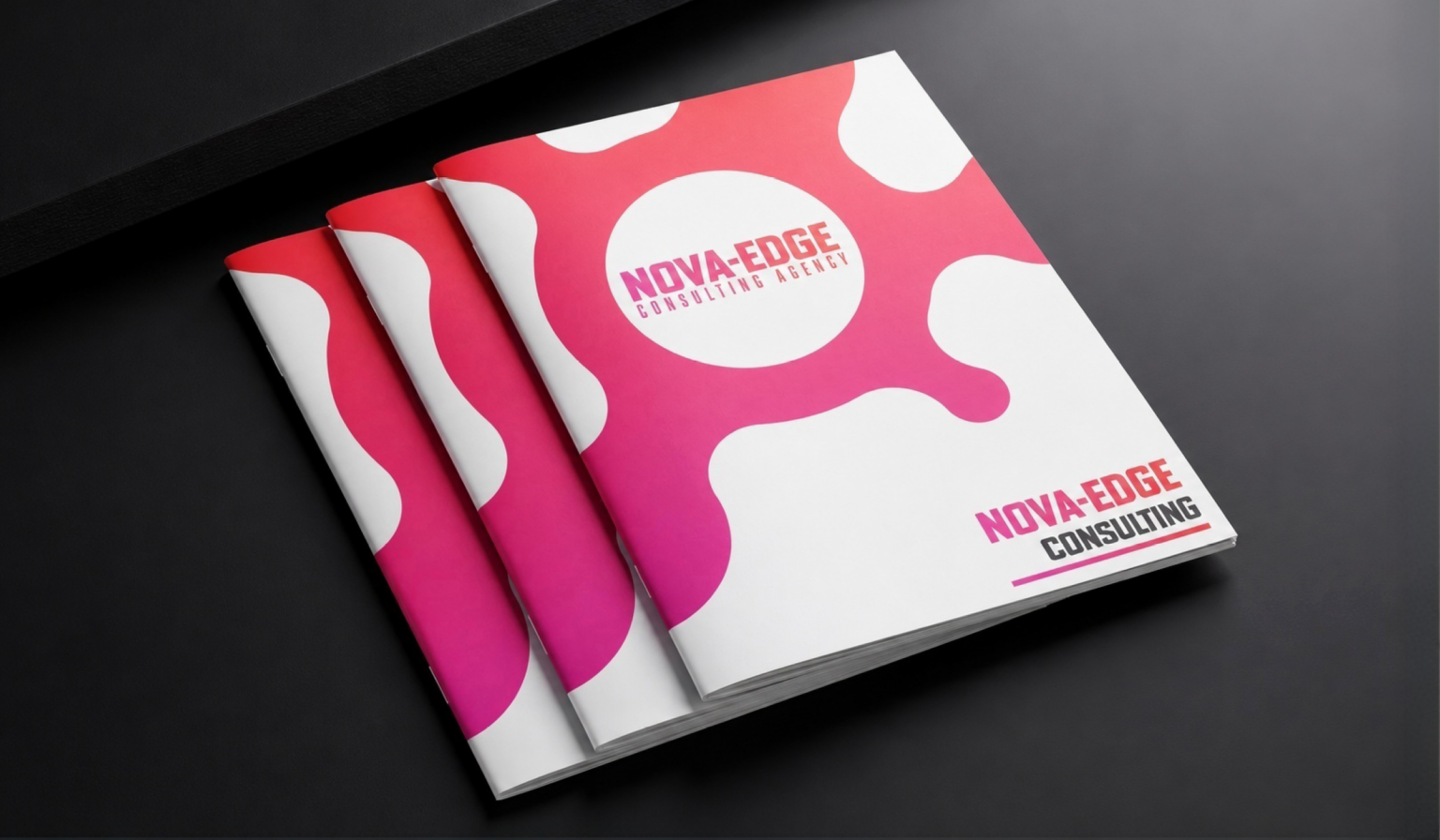
Professional booklets need to look organized, feel easy to handle, and fit the project budget. For brochures, catalogs, event programs, magazines, sales packets, and informational pieces with modest page counts, printivity.com/booklets/saddle-stitched-booklets offers a practical printing option built around saddle-stitch binding. Saddle stitching is a booklet-binding method in which printed sheets are folded, nested together, and secured along the center fold with staples. The result is a lightweight publication that opens comfortably, is simple to distribute, and presents information in a polished, familiar format.
Why Saddle-Stitched Booklets Are a Practical Choice
Saddle stitching combines professional presentation with streamlined production. Printivity folds larger printed sheets in half and uses two staples at the center crease to form the finished booklet. Its standard configuration uses two 24-gauge steel wire staples, creating a secure binding for everyday use. This format works especially well when readers need to flip through pages quickly during a meeting, event, classroom session, or sales conversation. Common applications include product catalogs, sales brochures, school publications, nonprofit reports, hospitality guides, menus, conference programs, and training handbooks. The structure of saddle stitching also affects planning. Because one folded sheet produces four finished pages, a 12-page, 16-page, or 20-page booklet is straightforward to build, while a page total that does not divide evenly by four may require blank pages. The basic mechanics of saddle stitching help explain why this page-count rule matters before design work begins.
Balancing Cost, Appearance, and Usability
A lower page count does not have to result in a basic-looking publication. Saddle stitching can give a concise booklet a substantial, finished feel while avoiding the added bulk of a traditional glued spine. The best choices depend on the publication’s purpose rather than on appearance alone.
- Budget-conscious brochures: A standard saddle-stitched setup provides a clean format for concise marketing or informational content.
- Image-driven catalogs: Coated or glossy paper can support vivid product photography and color-heavy layouts.
- Workbooks and programs: Uncoated paper can be a sensible choice where readers may need to write notes.
- Longer stapled publications: Square saddle binding is worth considering when the project exceeds the typical range for standard saddle stitching.
Print remains most useful when it has a defined job to do. A booklet can support an event, a direct outreach effort, an onboarding packet, a showroom display, or an in-person presentation. At the same time, digital channels can provide updates and follow-up information. Research examining the relative effectiveness of print and digital advertising reinforces the importance of considering the audience, message, and media context rather than assuming one channel is always best.
When to Choose Saddle Stitching Instead of Another Binding Method
Choose Printivity’s saddle-stitched format when the booklet has a low-to-moderate page count, needs to open easily, and will be handed out, mailed, displayed, or used during a presentation. It is particularly effective when a professional result is needed without the weight and profile of a thicker book.
Other Binding Options to Consider
- Perfect binding: Better suited to thicker catalogs, reports, and book-like publications that benefit from a glued spine.
- Spiral binding: Useful for manuals and workbooks that need to lie flat or fold back during repeated reference.
- Wire-O binding: A strong choice for presentations, training materials, and premium reference documents that need durable metal binding.
Saddle stitching may be less appropriate for a very thick publication, a project that needs a printed spine, or materials expected to receive especially heavy long-term handling. Selecting the binding method based on page count, handling needs, budget, and presentation goals leads to a more functional finished piece.
Preparing a File for Printivity
Artwork preparation directly affects the final booklet. Printivity identifies PDF as its preferred file type and also accepts DOC, JPEG, JPG, PNG, TIFF, AI, PSD, PUB, and PPT files. Templates are available in portrait, landscape, and square formats to help designers work at the correct finished size.
- Create the booklet as single pages in reading order, not printer spreads.
- Use the selected trim size and keep the total page count in multiples of four.
- Use images at 300 DPI for suitable print clarity.
- Use CMYK color when possible, since RGB colors can reproduce differently in print.
- Flatten documents or ensure fonts are handled correctly before upload.
- Add bleed when images or background colors extend to the edge of a page.
- Review the front cover, interior pages, and back cover in sequence before submission.
Proofing, Support, and Ordering Steps
Printivity states that it reviews submitted files and creates a digital proof before sending every order into production. Customers should use that review stage to check page order, trim size, bleed, cover orientation, important text, image quality, and color expectations. Printivity also offers design guidance and states that its service promise includes a free reprint or full refund when an order does not meet expectations under its applicable terms.
To order effectively, first define the audience, purpose, page count, quantity, and distribution method. Next, select the size, binding style, paper, cover, color options, and finishing details. Prepare the file using the relevant template, upload the artwork, review the digital proof carefully, and plan shipping around the deadline. This process helps businesses, schools, nonprofits, event organizers, and marketers move from a booklet concept to a polished printed piece with fewer surprises.
Conclusion
Saddle-stitched booklets provide a practical way to present information in a professional, lightweight, and easy-to-distribute format. Printivity offers options for projects ranging from concise brochures and event programs to longer saddle-stapled publications, making it useful for businesses, schools, nonprofits, and marketing teams. To achieve the desired result, consider the booklet’s purpose, page count, paper stock, cover design, and binding requirements before beginning production. Preparing print-ready artwork, following page-count guidelines, and reviewing the digital proof can also help prevent common printing issues. By matching the binding style and materials to the publication’s intended use, you can create a polished booklet that balances appearance, usability, and budget while delivering your message clearly to its intended audience.
